Image to Image AI Generator
Upload a photo and transform it with AI — change styles, enhance portraits, create variations, and generate new visuals from existing images.
Explore AI transformation examples

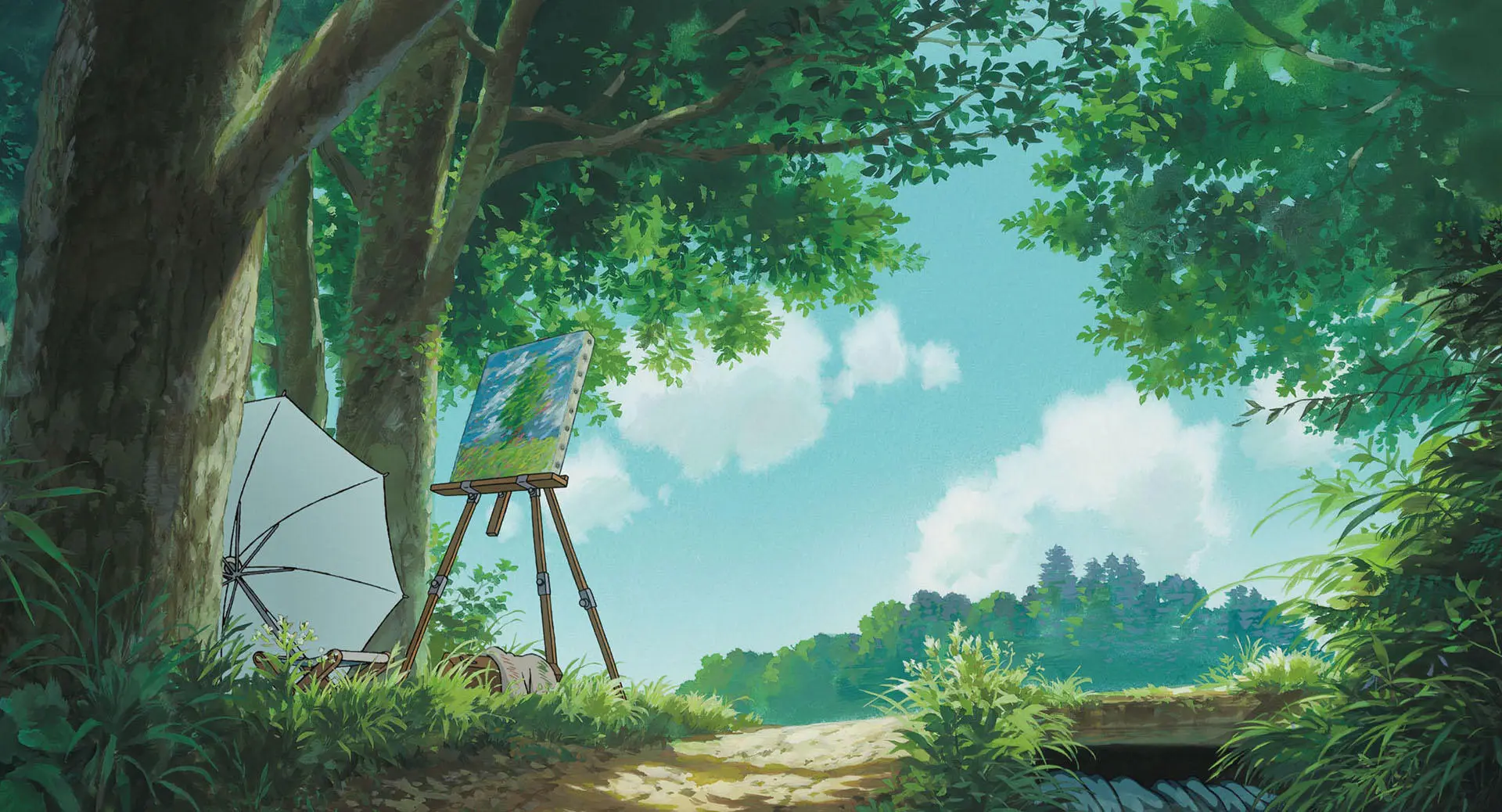
Chibi Style

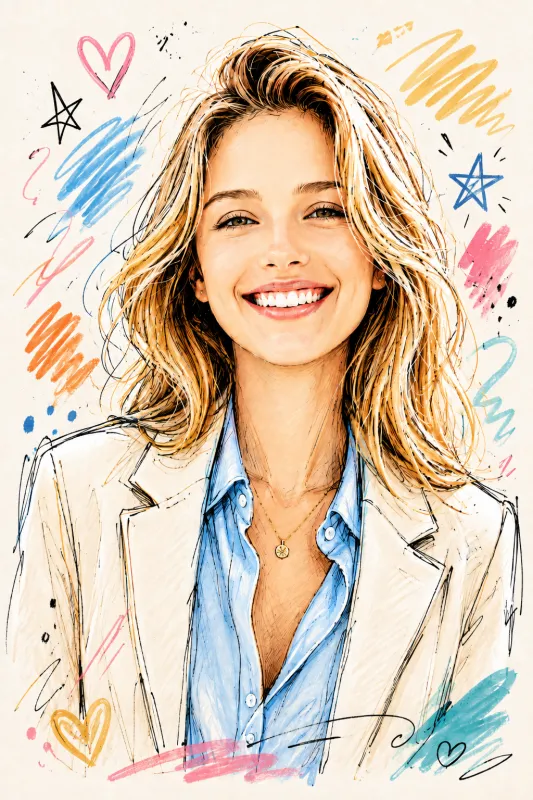
Healing Watercolor
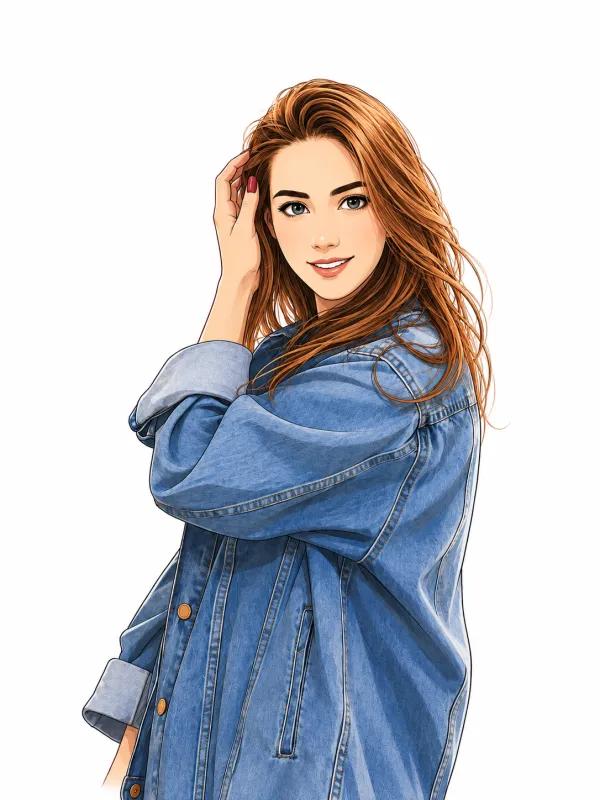
Manga White Background
How TaPicsAI Works
Step 1
Upload your photo
Choose an image from your device to use as the starting point for your AI transformation.
Step 2
Add a prompt and choose style
Describe the look you want, then pick a model, style, and aspect ratio to match your vision.
Step 3
Get instant results
Your transformed image appears in seconds with consistent quality and sharp detail.
All the photo editing features you need
Transform, refine, and polish your AI images with powerful built-in tools.
Various art styles available
Render your AI-transformed images in stunning art styles like Watercolor, Filmic, Neon, Color Pencil, Retrowave, and more.
Magic Edit
Magic Edit lets you add to, replace, or edit your image with a short written prompt.
Enhance your images
Fix your photo focus, lighting, and coloring with easy-to-use adjustment sliders.
Photo effects & filters
Choose from adjustable color filters and fun photo effects to remix your image.
Add Text to Photo
Easily add text to your photo or image to tell a story with flexible font and color options.
Automatically translate your design
Quickly change the language of your existing design, with over 100 languages to choose from.
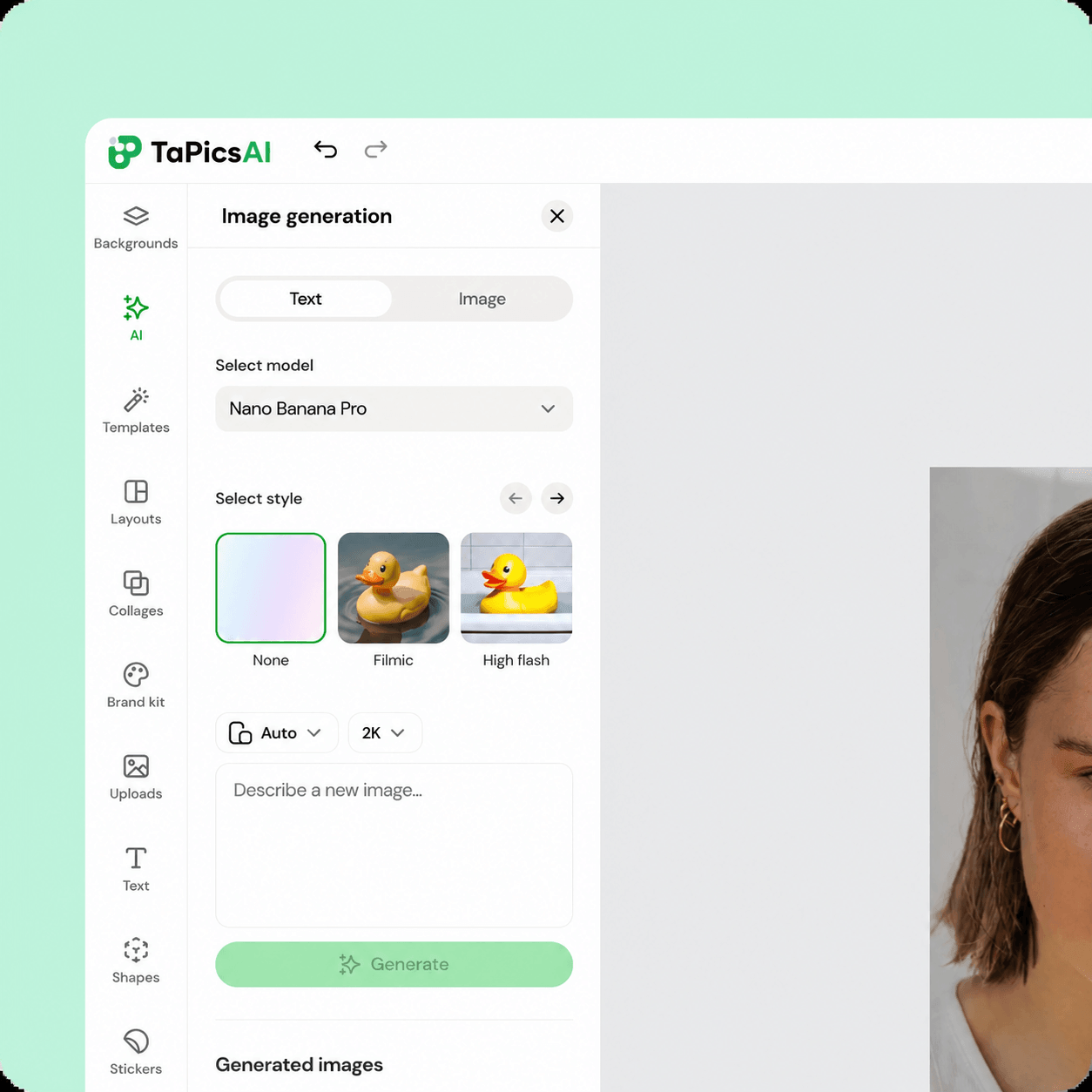
Transform photos with our AI image generator
Upload any photo and let AI reimagine it in a new style. Use your image as a reference and explore fresh aesthetics, textures, and creative directions in seconds.
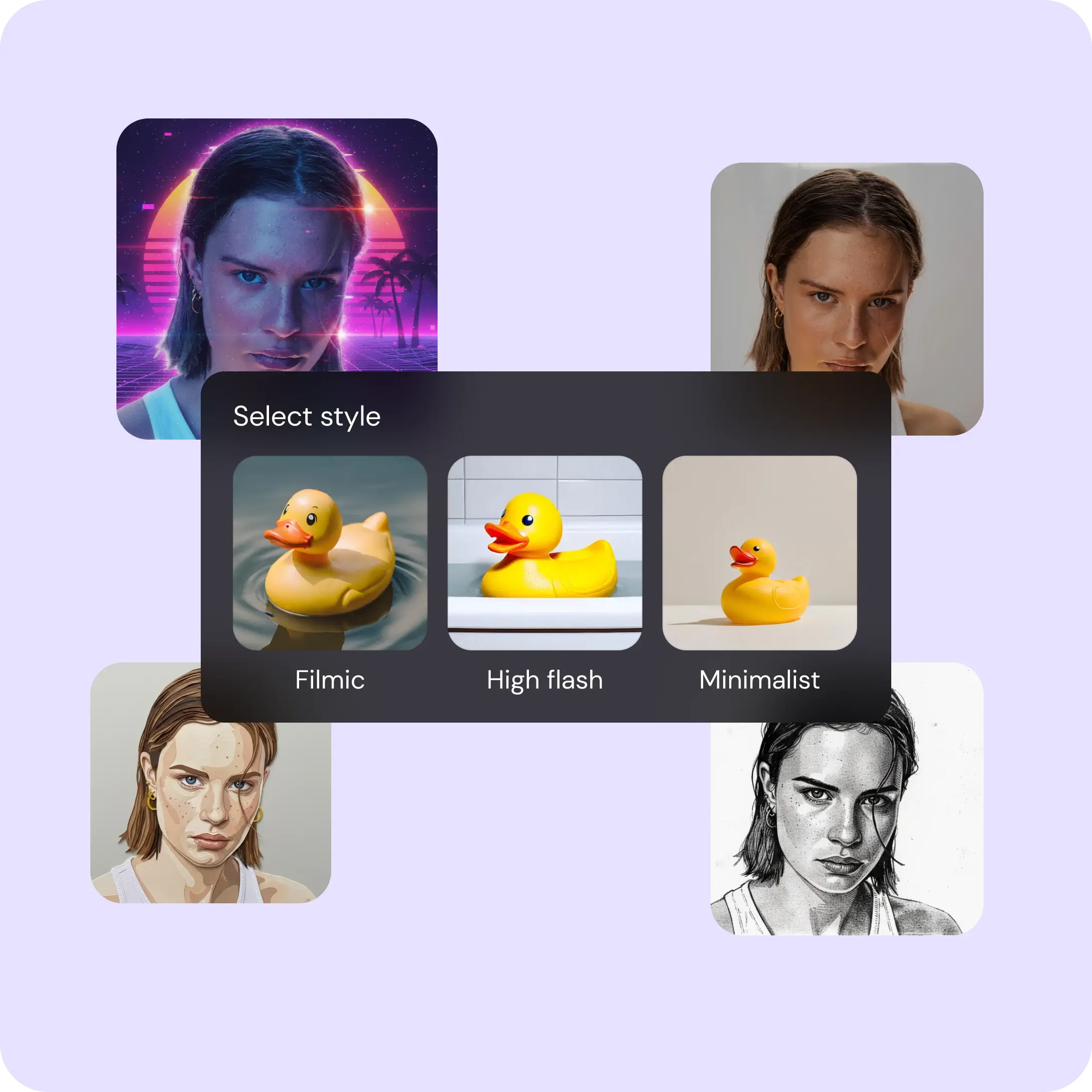
Choose your image style with Image to Image
Experiment with different looks for your uploaded photos. Try styles like Watercolor, Filmic, Neon, Color Pencil, and Retrowave to find the perfect transformation.
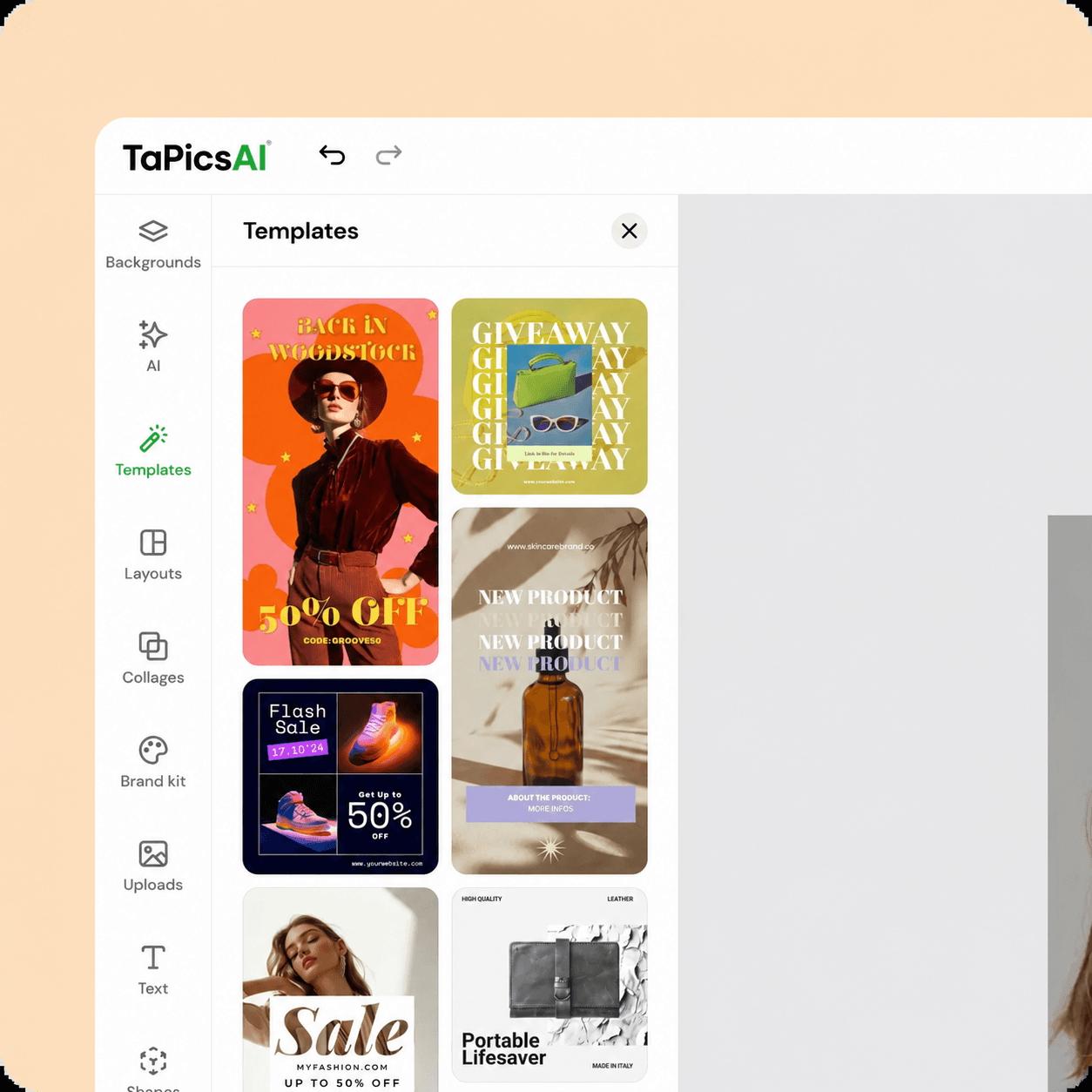
Create captivating designs from your photos
Start with an existing image, add a prompt, and generate a new version that fits your design. Customize with various styles, ratios, and all the photo editing tools in TaPicsAI.
FAQ
Have more questions? Contact us at support@tapicsai.com
Image to image AI transforms an uploaded photo based on your prompt and style settings. The model uses your image as a reference to generate a new version with the look you describe.